Import your audio files and make them actionable.
Without listening to everything again.
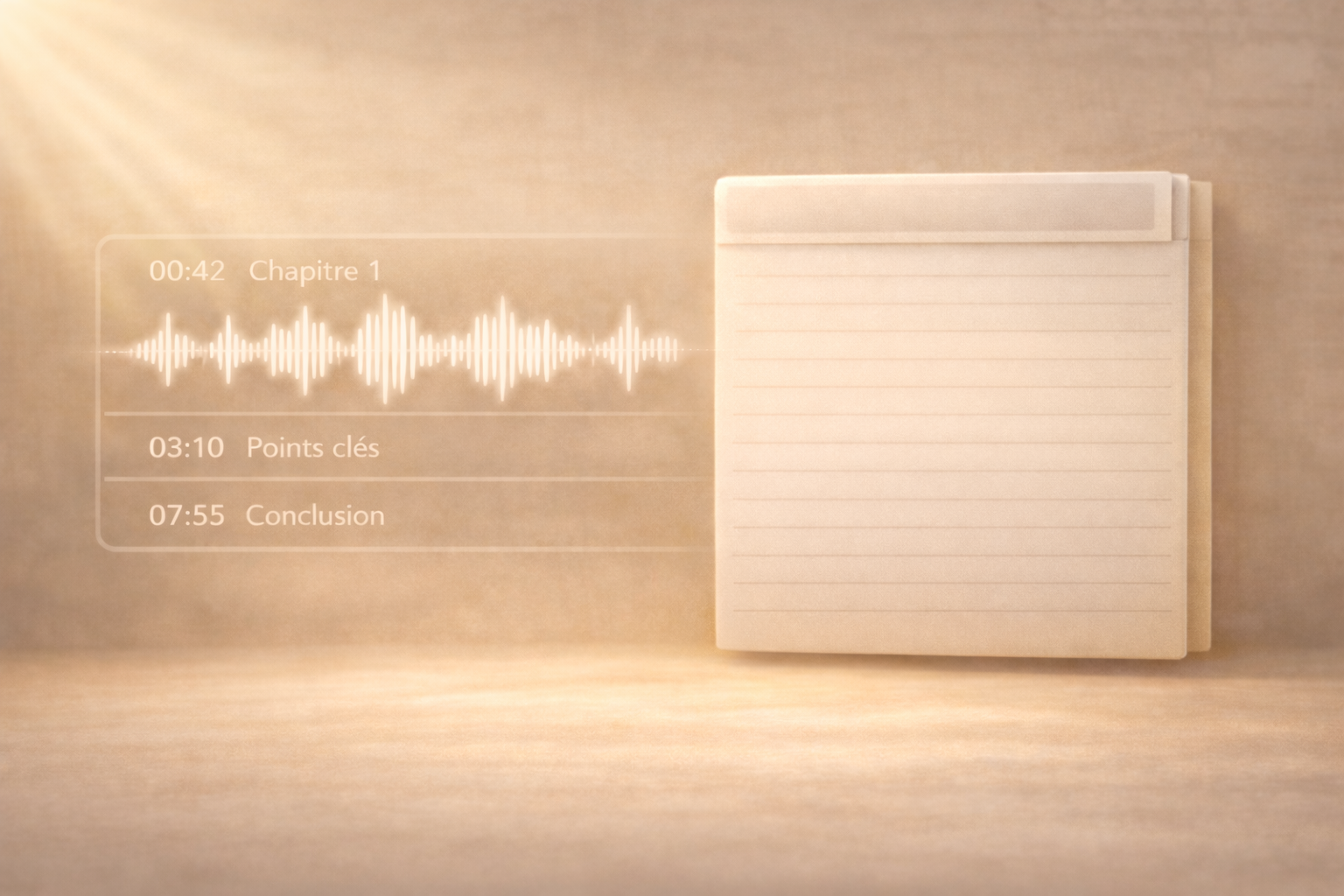
Add an audio file (meeting, interview, voice note…). AI transcribes it, summarizes it, and identifies key moments so you can find information in just a few words.
Your audio files become text.
You keep the essentials.
Import an audio file (meeting, client call, interview, voice memo…).
Narrathèque transcribes it, generates a clear summary, and highlights important sections so you can search for specific information without listening to everything again.
More memory. Fewer replays.
How does it work?
Importing audio files into Narrathèque turns your recordings, podcasts, and meetings into structured, searchable, and reusable content.
Your audio becomes an actionable resource
Simply import your audio file into Narrathèque, or record it directly with your microphone.
AI then starts automatic analysis to structure the content and help you turn it into value.
Once the audio is imported, you can:
-
find the full transcript
-
get an automatic summary
-
edit the document title
-
view the file from the library
-
query the content directly without listening to everything
-
search and replace terms in the transcript
👉 Result: a raw audio file becomes clear, structured, and actionable content.
1 Import the audio
Select your audio file from your computer or record directly with your microphone.
When installed for the first time, the feature opens automatically.
2 Analyze and review
After import, your audio appears in the File Library.
Click the eye icon to review it, edit its title, and access the automatically generated summary.
3 Search and reuse
Query the transcript directly to find key points from an episode, correct terms, or generate an article, summary, or social media content.
Use your audio files the right way.
You select a recording (meeting / interview / podcast). Then, every answer is based only on the transcript + the key excerpts from the selected audio.
Team meeting
Import an internal meeting to quickly highlight the decisions made, the actions to launch, the blocking points, and the topics to follow up on.
“Create a summary with 5 key points, 3 decisions made, and the next actions.”
Client interview
Analyze an interview to identify the expressed needs, the objections, the top priorities, and the useful quotes you can reuse.
“List the client’s needs, objections, and 3 standout quotes.”
Podcast / episode
Turn a long audio file into strong ideas, editorial angles, powerful excerpts, and ready-to-repurpose content.
“Give me 10 LinkedIn post ideas, 5 punchlines, and 3 strong excerpts.”
A video example
Make your audio files useful.
Import a recording (meeting / call / interview) and always work from an actionable transcript without listening to 40 minutes again.
When everything is audio… everything ends up getting lost.
Import Audio turns your files (podcasts, meetings, voice notes) into searchable and reusable content, without listening to everything again.
Using audio files takes time.
Between meetings, interviews, podcasts, and voice notes… everything piles up as audio files.
The problem is that over time:
-
you can no longer find where a piece of information was said
-
you replay the same section several times
-
you eventually stop reusing anything
👉 Result: vague — or even wrong — answers.
70% of audio files are never reused
Because they remain “files,” not content.
30% of time = replaying to find information
A decision is “in the audio”… but where exactly?
45% of information = forgotten after the meeting
Without an actionable record, actions get lost.
Our other complementary features

WordPress Add-on
ChatWeb HTML
Fullscreen ChatBot
Frequently asked questions
This section is only here for SEO purposes. Otherwise, you could simply ask your questions to our ChatBot connected to the knowledge base of our solution…
Nous ne proposons pas pour le moment de version en marque blanche à proprement parlé, nous étudierons toutes les demandes en fonction des opportunités.
En fonction du territoire que vous avez choisi (pour le moment Europe ou Canada), vos données sont stockées sur des serveurs dédiés et sécurisés. Vos données sont privées et ne serviront jamais à entrainer un quelconque modèle.
Vous pouvez créer autant de base que nécessaire.
Oui, vous pouvez créer des catégories différentes dans chaque base et ainsi affiner les requêtes.
Do you have specific needs? Let’s discuss your project.
narratheque.io is the public version of the KDBCore application core by Jolifish Europe. It makes it possible to create dedicated environments that meet specific needs and dedicated connection or hosting constraints. Feel free to book a meeting and tell us about your project.